
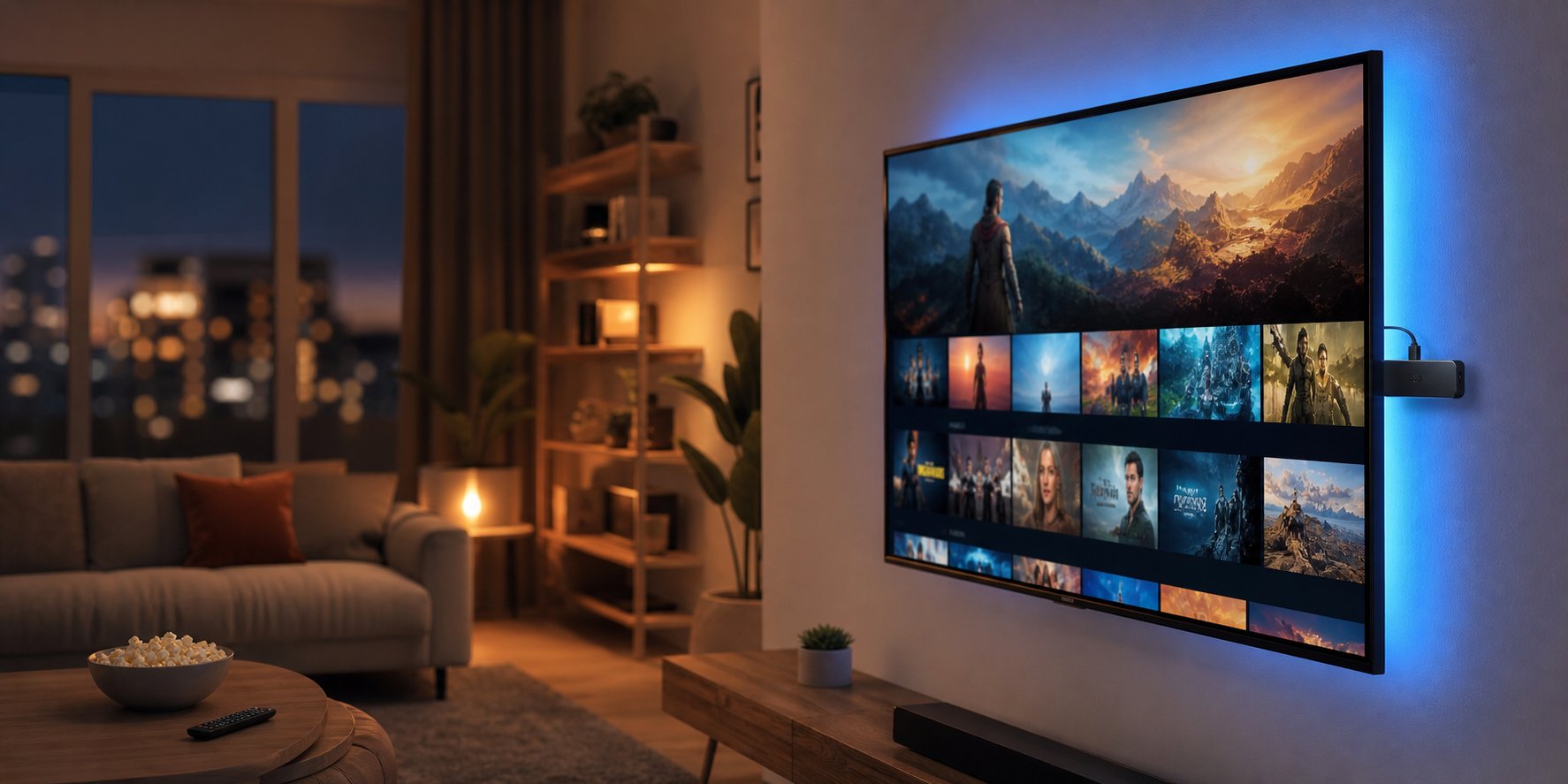
Setting up IPTV in the United States is easier than most people think. Whether you have an Amazon Firestick, Roku, Smart TV, iPhone, or Android device, the entire process takes 10-15 minutes from start to finish. This step-by-step guide covers every major device used by American IPTV viewers, with screenshots and troubleshooting tips for each one.
After helping 150,000+ American households set up IPTV over 9 years, we've identified the exact steps that work for every device. Follow this guide and you'll be streaming 20,000+ American channels in 4K before your coffee gets cold.
What You Need Before Starting
Before setting up IPTV in the USA, make sure you have:
- Active IPTV subscription: Sign up at best-usa-hosting.com — credentials arrive in your email within 60 seconds
- Stable internet connection: 10 Mbps minimum for HD, 25 Mbps for 4K
- IPTV app installed: TiviMate, IPTV Smarters Pro, or IBO Player (covered below)
- Welcome email from your provider: Contains server URL, username, and password
Method 1: Amazon Firestick Setup (Most Popular — 47% of US Users)
The Amazon Fire TV Stick is the most popular IPTV device in America. Here's how to set it up:
🌐 External Reference: is the most popular IPTV device in America (Amazon Fire TV Stick)
Step 1: Install the Downloader App
- From the Firestick home screen, click the magnifying glass (search) icon
- Type "Downloader" and select it from the results
- Click "Download" to install
- Open Downloader when installation completes
Step 2: Enable Unknown App Installations
- Go to Firestick Settings → My Fire TV → Developer Options
- Click "Install Unknown Apps"
- Find "Downloader" and turn it ON
Step 3: Install TiviMate IPTV Player
- Open Downloader
- In the URL field, enter:
bit.ly/tivimate-apk(or get the latest link from the developer's website) - Click "Go"
- Wait for the APK to download
- Click "Install" when prompted
- Click "Done" when installation completes
Step 4: Add Your IPTV Subscription
- Open TiviMate from your Firestick apps
- Click "Add Playlist"
- Select "Xtream Codes API"
- Enter the credentials from your IPTV provider's welcome email:
- Server URL:
http://your-provider-server.com:8080 - Username: (from welcome email)
- Password: (from welcome email)
- Server URL:
- Click "Add" and wait 60-90 seconds for channels to load
- Press the home button and start watching!
Total setup time: 8-12 minutes for first-time users.
Method 2: Roku Setup (15% of US Users)
Roku doesn't natively support IPTV apps, but you have two reliable options:
Option A: Screen Mirroring (Free)
- On your Android phone, install IPTV Smarters Pro
- Add your IPTV subscription to the app
- Open a channel and start playing
- From your phone, open the screen mirror/cast menu
- Select your Roku device
- Your IPTV stream will now display on your TV
Option B: Use Roku with M3U URL
Some Roku IPTV apps (like "IPTV Pro" or "M3U Playlist Player") accept M3U URLs. To find one, search the Roku Channel Store for "M3U" or "IPTV."
Method 3: Smart TV Setup (15% of US Users)
Modern Smart TVs can run IPTV apps directly. Here's how to set up the most popular brands:
🌐 External Reference: (Tizen OS) (Samsung)
Samsung Smart TV (Tizen OS)
- Press the Home button on your Samsung remote
- Navigate to "Apps" and search for "Smart IPTV" (SIPTV)
- Install the app (one-time $5.99 activation fee)
- Open Smart IPTV and note the MAC address shown on screen
- On your computer, go to siptv.app and upload your M3U URL
- Restart the Smart IPTV app — channels will load automatically
LG Smart TV (WebOS)
- Open the LG Content Store
- Search for "IPTV Smarters" or "Smart IPTV"
- Install and follow the same steps as Samsung
Sony Bravia / Google TV
- Open the Google Play Store on your TV
- Search for "TiviMate" or "IPTV Smarters Pro"
- Install and log in with your credentials
Method 4: iPhone / iPad Setup (8% of US Users)
Apple devices use the official App Store for IPTV apps:
💡 📱 Need an IPTV app recommendation? Check our best IPTV apps list.
- Open the App Store
- Search for "IPTV Smarters Pro" or "GSE Smart IPTV"
- Install the app
- Open the app and select "Login with Xtream Codes"
- Enter your IPTV credentials
- Wait 60-90 seconds for channels to load
- Start streaming
Note: Apple TV 4K has a different setup. Search for "IPTV Smarters" in the tvOS App Store.
Method 5: Android Phone / Tablet Setup (10% of US Users)
- Open the Google Play Store
- Search for "TiviMate" or "IPTV Smarters Pro"
- Install and log in with your credentials
- For TiviMate, the premium version costs $5.99 (one-time)
Method 6: Windows / Mac PC Setup (5% of US Users)
For desktop viewing:
🌐 External Reference: device (Android)
Windows
- Download IPTV Smarters Pro from their official website
- Install and log in with your credentials
- Or use VLC Media Player for basic streaming
Mac
- Download IPTV Smarters Pro for Mac
- Or use the IINA player (VLC alternative) with your M3U URL
Troubleshooting Common US Setup Issues
Issue 1: "Invalid Username or Password"
- Double-check the credentials from your welcome email (case-sensitive)
- Make sure you're using the correct server URL
- Try logging in via the provider's web portal to verify your account is active
Issue 2: "Buffering Every Few Seconds"
- Switch from WiFi to Ethernet if possible
- Lower the stream quality to HD instead of 4K
- Close other devices using bandwidth (Netflix, YouTube, etc.)
- Restart your router
- Enable the VPN pack included with your Best USA IPTV subscription
Issue 3: "EPG Not Loading"
- Go to app settings and manually set your timezone (e.g., America/New_York)
- Force-close the app and reopen
- Re-add the playlist to refresh the EPG
Issue 4: "App Crashes on Firestick"
- Update the Firestick firmware (Settings → My Fire TV → About → Check for Updates)
- Clear the app cache (Settings → Applications → Manage Installed Applications)
- Reinstall the app
Issue 5: "Some Channels Don't Work"
- Try a different server URL if your provider offers multiple
- Wait 1-2 hours — the provider may be updating that specific channel
- Contact customer support via WhatsApp for channel replacement
Pro Tips for the Best US IPTV Experience
- Use Ethernet over WiFi: Hardwired connections eliminate 90% of buffering issues
- Set up a VPN: Best USA IPTV includes a free VPN pack — use it for privacy and to bypass any ISP throttling
- Enable hardware decoding: In your app settings, enable H.264/HEVC hardware decoding for smoother playback
- Configure catch-up TV: Set up 7-day catch-up so you can rewind any show you missed
- Create favorites: Organize your most-watched channels for quick access
- Set parental controls: If you have kids, lock adult channels with a PIN
Conclusion: Get Started in 15 Minutes
Setting up IPTV in the USA is genuinely simple. The entire process — from unboxing your device to streaming live TV — takes 10-15 minutes for first-time users. Once set up, you'll have access to 20,000+ American and international channels in HD or 4K quality.
Best USA IPTV makes the process even easier by providing 24/7 customer support via WhatsApp. If you get stuck on any step, message our team and we'll walk you through it.
📚 References & Sources
- Amazon Fire TV
- Samsung Smart TVs
- Android Official
This article is regularly updated to reflect the latest IPTV industry data. Last reviewed: January 2026.
🎁 Try Best USA IPTV Risk-Free for 24 Hours
Join 150,000+ subscribers who saved an average of $1,440 per year. Full access to 20,000+ international channels, 4K quality, 99.9% uptime, and 24/7 support — all with zero risk.
Start Your Free 24-Hour Trial →❓ Frequently Asked Questions
Is IPTV safe to use?
Yes, IPTV is completely safe when you choose a reputable provider with transparent pricing, real customer support, and proper licensing. Avoid providers offering thousands of premium channels for $2-3/month — these are almost always scams or unlicensed services.
How much does IPTV cost in 2026?
Quality IPTV services range from $7.99-$15.99 per month. Best USA IPTV starts at $7.99/month or $41.99 for a full year (just $3.50/month equivalent). The average cable TV bill is $127/month, so IPTV saves 90%+.
What internet speed do I need for IPTV?
For HD streaming you need at least 10 Mbps. For 4K UHD content, 25 Mbps is recommended. Most modern internet connections in the USA, UK, Canada, and Latin America easily handle IPTV requirements.
Can I use IPTV on multiple devices?
Yes — multi-connection plans are available with 2, 3, 4, or 5 simultaneous streams. Perfect for families who want to watch different channels on different devices at the same time.
🚀 Ready to Get Started with Best USA IPTV?
Explore our most popular pages to find the perfect plan, app, and setup for your needs.
✓ 20,000+ channels · ✓ 4K quality · ✓ 99.9% uptime · ✓ 24/7 support · ✓ No contracts
💡 Pro Tip: Bookmark this page — we update it regularly. Have a question we didn't answer? Message our support team on WhatsApp for a personal recommendation.