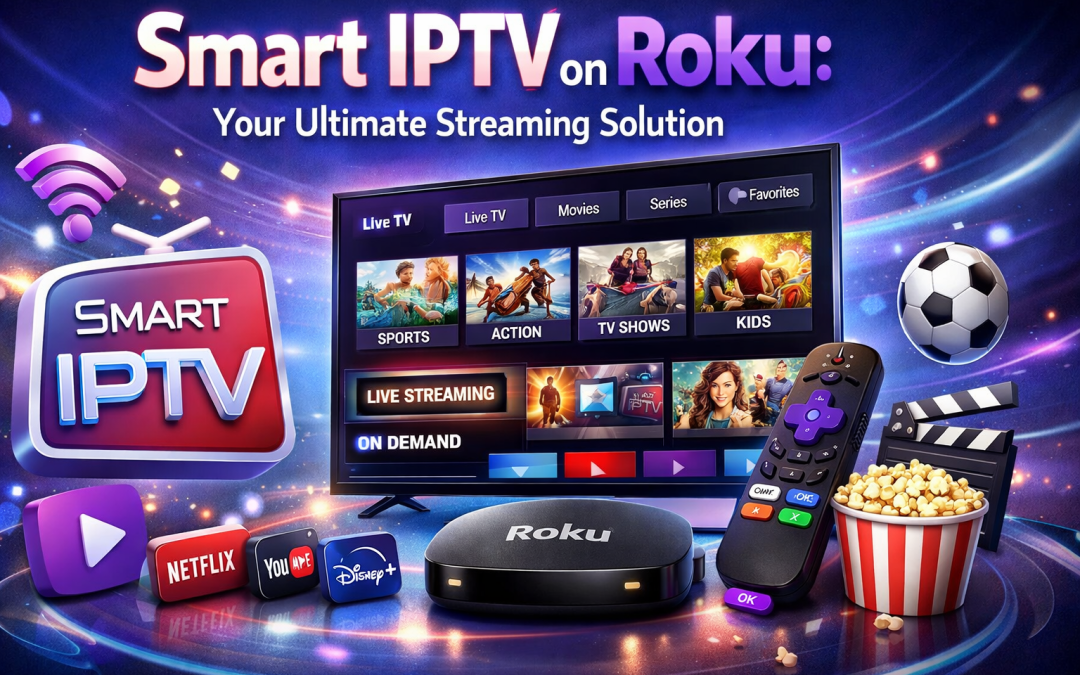
The digital landscape has shifted dramatically over the last decade. Gone are the days when families gathered around a bulky television set tied to a restrictive cable contract. Today, the world of entertainment is driven by flexibility, variety, and affordability. At the heart of this revolution is IPTV (Internet Protocol Television), and more specifically, the quest to get Smart IPTV on Roku.
If you are living in the USA, Canada, or the UK, you likely own a Roku device. Roku’s sleek interface and vast app library make it a household favorite. However, because Roku operates on a closed “Roku OS” system, installing third-party IPTV players isn’t as straightforward as it is on Android or Firestick.
In this comprehensive guide, we will walk you through everything you need to know about setting up Smart IPTV on Roku, maximizing your streaming potential, and why choosing a premium service like Best USA IPTV is the key to a buffer-free experience.
What Exactly is Smart IPTV?
Before diving into the technical setup, it is essential to understand what Smart IPTV is. Strictly speaking, “Smart IPTV” is a popular media player application that allows users to stream IPTV content via M3U URLs or EPG (Electronic Program Guide) links.
It does not provide content itself. Think of it as a high-tech DVD player, and your IPTV subscription is the DVD. Without a quality provider, the player is just an empty shell. When you combine a powerful player with the Best USA IPTV service, you unlock thousands of live channels, VOD (Video on Demand), and international sports.
Why Use Smart IPTV on Roku?
Roku devices, including the Roku Streaming Stick, Roku Express, and Roku Ultra, are known for their 4K capabilities and user-friendly remotes. Integrating Smart IPTV on Roku offers several advantages:
-
Centralized Entertainment: Keep all your streaming apps (Netflix, Hulu, Disney+) and live TV in one place.
-
Cost Efficiency: Cut the cord and save hundreds of dollars compared to traditional satellite or cable providers.
-
Global Access: Access channels from the UK, Canada, and the USA, including premium sports networks and movie channels.
-
High Definition: Support for 4K and 1080p streaming (provided your IPTV service supports it).
The Challenge: Roku vs. Other Devices
Unlike Android-based devices (Nvidia Shield, Amazon Firestick) or iOS, Roku does not allow the “sideloading” of APK files. This means you cannot simply download a file from a browser and install it.
To get Smart IPTV on Roku, we use a method involving the “Screen Mirroring” feature or the “IPTV Smarters” casting method. This ensures you still get the premium interface of Smart IPTV while utilizing the robust hardware of your Roku device.
How to Set Up Smart IPTV on Roku: A Step-by-Step Guide
Since the native Smart IPTV app is occasionally removed from the Roku Channel Store due to licensing disputes, we will focus on the most reliable method to get your streams running today.
Method 1: Using Screen Mirroring (Android/Windows)
This is the most effective way to enjoy the Smart IPTV on Roku experience without complex coding.
1. Enable Screen Mirroring on Roku:
-
-
Go to Settings > System > Screen Mirroring.
-
Select “Always Allow” or “Prompt.”
-
2. Install Smart IPTV on your Smartphone:
-
-
Download the Smart IPTV app on your Android device or use a browser-based player on Windows.
-
3. Connect to the same Wi-Fi:
-
-
Ensure both your Roku and your mobile/PC are on the same network.
-
4. Cast to Roku:
-
-
On your Android, go to the “Cast” or “Smart View” settings.
-
Select your Roku device.
-
Open your IPTV playlist, and it will display beautifully on your TV.
-
Method 2: The IPTV Smarters / Web Player Method
Many Roku users prefer using the web player integration which acts as a bridge for Smart IPTV on Roku.
-
Go to the Roku Search bar and look for “Web Video Caster.”
-
Install the app on your Roku and your smartphone.
-
Open the app on your phone and enter the M3U URL provided by your Best USA IPTV subscription.
-
Select the “Cast” icon and choose your Roku device.
Roku vs. Other IPTV Devices
When considering Smart IPTV on Roku, it’s helpful to see how it stacks up against competitors.
| Feature | Roku | Amazon Firestick | Android TV / Shield | iOS / Apple TV |
| Ease of Setup | Moderate | Easy | Very Easy | Moderate |
| Sideloading | No | Yes | Yes | No |
| Interface Speed | Excellent | Fast | Very Fast | Smooth |
| 4K Support | Yes | Yes | Yes | Yes |
| Reliability | High | High | High | High |
Why You Need a Premium IPTV Provider
You can have the best setup for Smart IPTV on Roku, but if your provider is subpar, you will face constant buffering, “channel down” errors, and poor resolution.
This is where Best USA IPTV comes into play. A premium service ensures:
-
99.9% Uptime: No more freezing during the Super Bowl or the Premier League.
-
Anti-Freeze Technology: Advanced coding to handle low-bandwidth situations.
-
Customer Support: 24/7 assistance for setting up your M3U playlists.
-
VOD Library: Access to the latest Netflix and Disney+ releases within the same interface.
For the most reliable experience, you should check out
Optimizing Your Roku for IPTV
To ensure Smart IPTV on Roku runs without a hitch, follow these optimization tips:
1. Use a Wired Connection
While Roku’s Wi-Fi chips are strong, nothing beats an Ethernet connection. If you have a Roku Ultra, plug it directly into your router. This eliminates interference from other household devices.
2. Update Your Software
Regularly check for updates in Settings > System > System Update. Roku frequently patches bugs that could interfere with casting or media playback.
3. Clear Cache
If the casting starts to lag, restart your Roku. This clears the temporary memory and refreshes the connection to your IPTV server.
Safety and Privacy: Do You Need a VPN?
When streaming Smart IPTV on Roku, privacy is a common concern. In regions like the UK and USA, ISPs (Internet Service Providers) often throttle bandwidth if they detect high volumes of data being pulled from IPTV servers.
Using a VPN (Virtual Private Network) is highly recommended. While you cannot install a VPN directly on a Roku, you can:
-
Install the VPN on your Router.
-
Use a VPN on the device you are casting from (Phone or PC).
This masks your traffic and ensures your ISP doesn’t slow down your “Smart IPTV on Roku” stream during peak hours.
What Can You Watch?
With Smart IPTV on Roku powered by a top-tier provider, the world is your oyster.
-
Live Sports: Catch every NFL, NBA, NHL, and MLB game. For UK fans, enjoy full access to Sky Sports and TNT Sports.
-
International News: Stay updated with BBC, CNN, Al Jazeera, and CBC.
-
Kids’ Content: Keep the little ones entertained with Disney, Nick Jr., and Cartoon Network.
-
Cinema: Access a massive library of movies, from 1950s classics to 2026 blockbusters.
Troubleshooting Common Issues
“Playback Error”
This usually means the M3U link is typed incorrectly or has expired. Double-check your credentials from your provider.
“Device Not Found”
If your Roku isn’t appearing when you try to cast Smart IPTV on Roku, ensure both devices are on the 2.4GHz or both on the 5GHz Wi-Fi band. Mixing them can cause discovery issues.
“Buffering”
Check your internet speed. You need at least 15 Mbps for HD streaming and 25-50 Mbps for 4K streaming. If your speed is fine, the issue is likely your IPTV provider’s server. Switch to a high-quality service like Best USA IPTV to resolve this.
FAQ: Smart IPTV on Roku
Is Smart IPTV officially on the Roku Channel Store?
Currently, the official “Smart IPTV” app is not in the Roku Store. However, you can use the casting methods or web-player workarounds mentioned in this guide to achieve the same result.
Will using IPTV damage my Roku?
No. IPTV is simply a method of receiving data. Using a player to view a stream is no different from watching YouTube or Netflix.
Can I watch local USA channels on my Roku via IPTV?
Yes! When you subscribe to Best USA IPTV, you get access to local affiliates for ABC, NBC, CBS, and FOX across various US cities.
Do I have to pay for the Smart IPTV app?
The Smart IPTV app usually offers a 7-day free trial, after which there is a small one-time activation fee. This is separate from your IPTV subscription.
Why is my IPTV provider better than cable?
IPTV offers more channels, better portability (you can watch on your phone or tablet too), and is significantly cheaper than traditional cable packages in the USA and Canada.
Conclusion
Setting up Smart IPTV on Roku is the ultimate move for any cord-cutter looking to enhance their entertainment setup. While Roku requires a bit more effort than a Firestick or Android box, the stability and picture quality of the hardware make it well worth it.
By following the casting methods outlined above and securing a high-quality stream from a trusted source, you can transform your living room into a global cinema. Don’t settle for buffering and limited channel lists.
Ready to upgrade your viewing experience? Experience the IPTV Best USA IPTV has to offer. High-speed servers, 4K content, and elite customer support are just a click away.